
Canvas screenshots
Generated images of the AllComponents process group: every Quanifi processor
placed once, in labelled blocks, with no connections. They exist to illustrate
the component catalogue in the documentation.
| Image | Contents |
|---|---|
all-components-overview.png |
All 83 processors, nine blocks, one frame |
circuit-builders.png |
26 |
algorithms-all-in-one-solvers.png |
18 |
differential-mutation-testing-infrastructure.png |
11 |
simulators.png |
9 |
hamiltonians-problem-encoders.png |
6 |
hardware-batch-lane.png |
5 |
pennylane-qml-lane.png |
3 |
reporting-utility.png |
3 |
hardware-execution.png |
2 |
Blocks follow the categories in ../COMPONENTS.md, so a
figure can be dropped beside the table it illustrates.
Regenerating
Two steps, and NiFi must be stopped for the first one.
# 1. put the group on the canvas, then start NiFi
python tools/add_all_components_group.py --flow ~/projects/nifi-2.9.0/conf/flow.json.gz

# 2. photograph it (group UUID from the NiFi UI or the API)
export NIFI_USER=... NIFI_PASSWORD=...
python tools/nifi_screenshot.py --group <uuid> --out-dir docs/screenshots
nifi_screenshot.py drives headless Chrome over the DevTools protocol, reads
the rendered geometry of every processor and label in the same session as the
capture, and crops one image per block from those measurements — so the crops
cannot drift from the screenshot regardless of the zoom NiFi picked.
Two things visible in the images
Every processor carries a warning triangle. The message is "requires an upstream connection but currently has none", which is inherent to a group whose components are deliberately unconnected. It is not a defect in the processors: placing them in a real flow clears it.
The version under each name is the processor's own. They are not uniform — 76 are 0.1.0, six 0.2.0, one 0.1.1 — and the tool reads each from the class rather than assuming, because a wrong bundle version renders a ghost component that looks real in a screenshot.
Before adding the group
Raise the Python process limits in conf/nifi.properties, or NiFi will hang on
startup with no error:
nifi.python.max.processes=400
nifi.python.max.processes.per.extension.type=20
If a start does hang, kill the orphaned extension processes before retrying — they survive the JVM and block the next start:
pkill -f "nifi-2.9.0/work/python/extensions"
Process Group Visual Gallery
Click any canvas image below to open full resolution in the lightbox viewer:
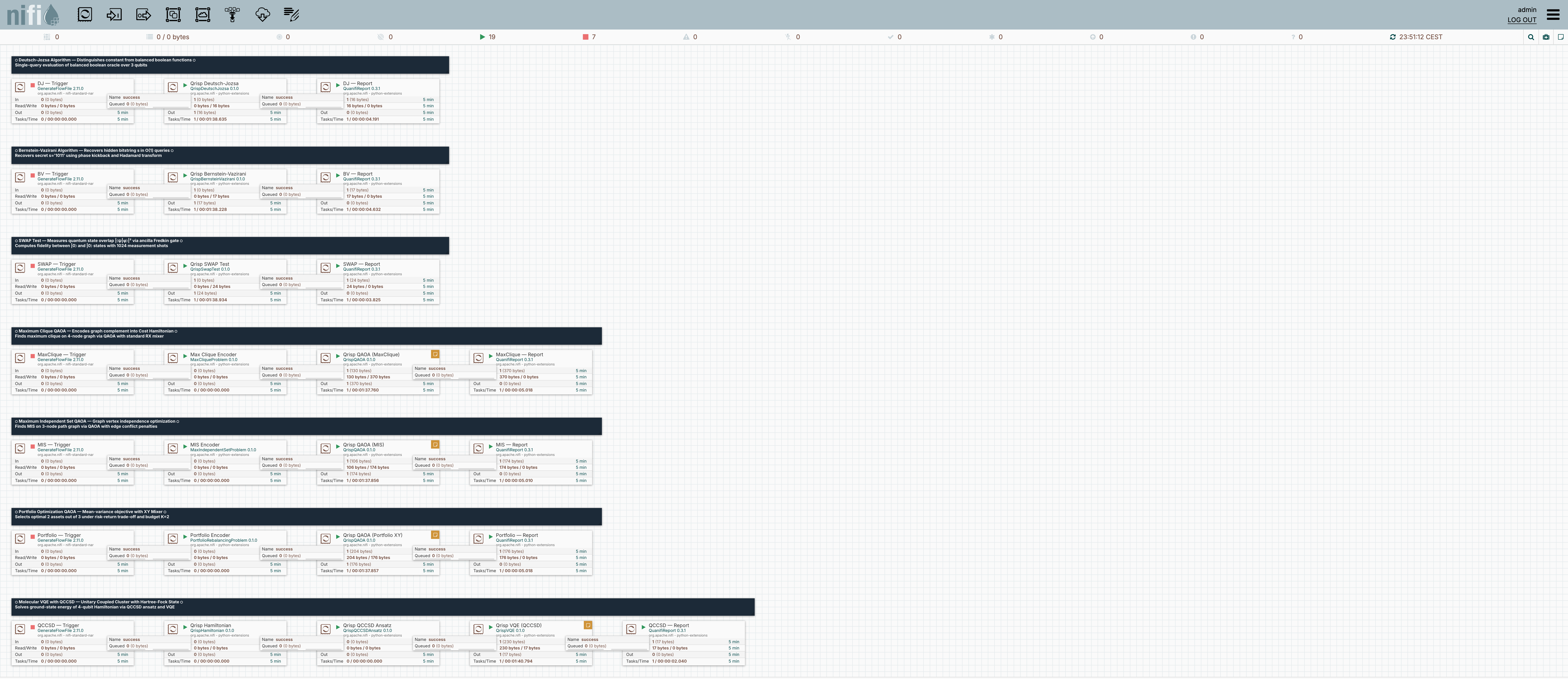
All Components Overview
All 83 Quanifi processors placed in labelled category blocks with no connections.
View Full Resolution →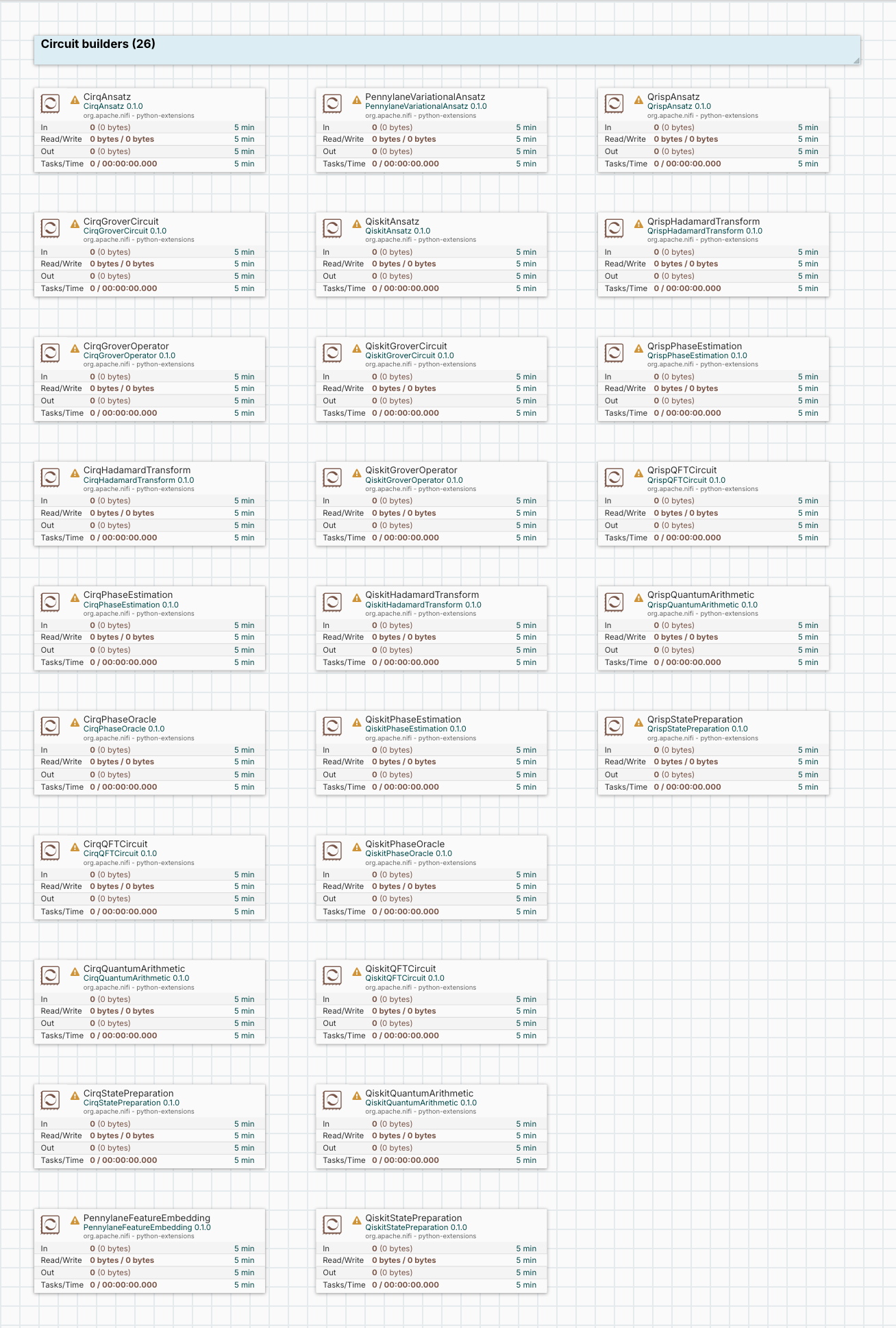
Circuit Builders
26 modular processors across Qiskit, Cirq, Qrisp, pyQuil, and PennyLane.
View Full Resolution →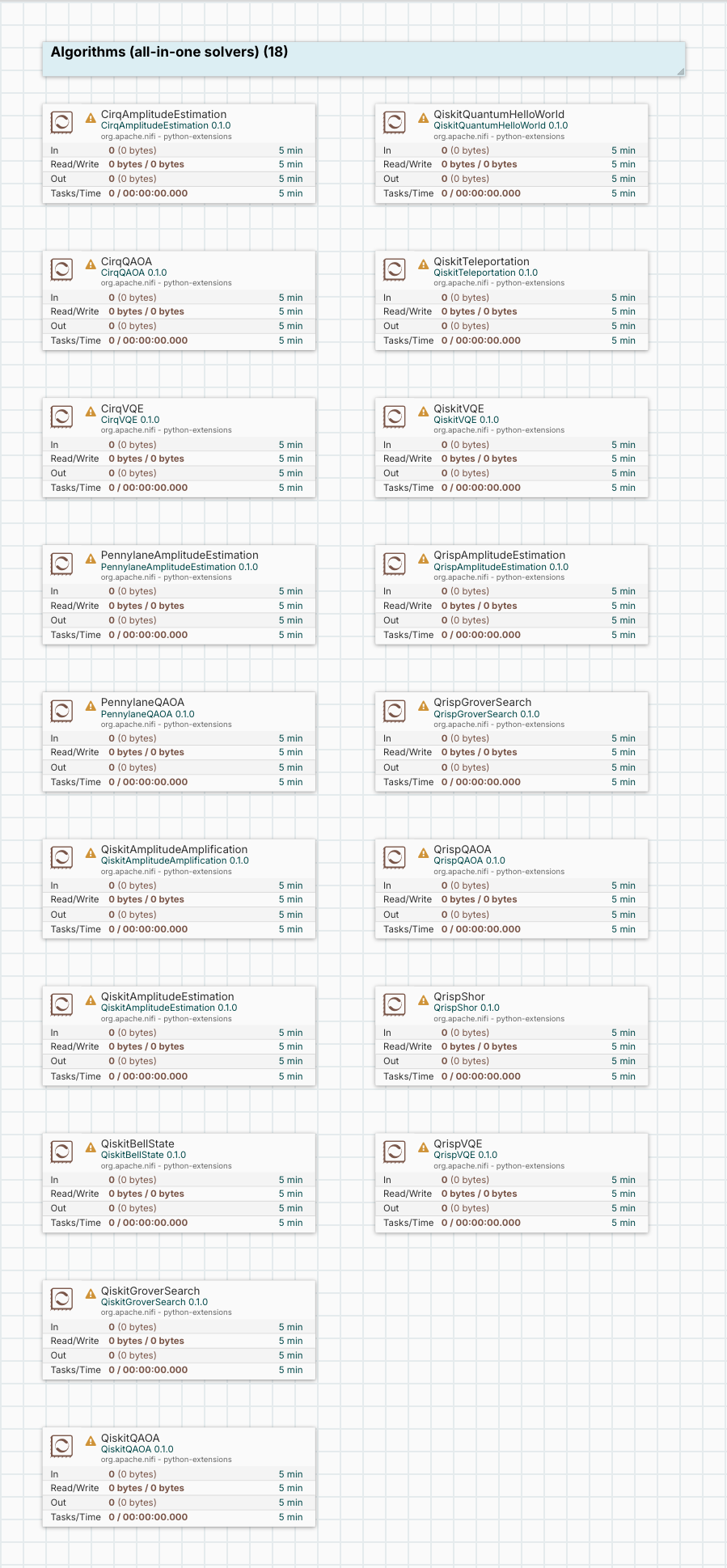
Algorithms & Solvers
18 all-in-one quantum algorithms: Grover, QAOA, VQE, QPE, Deutsch-Jozsa, Bernstein-Vazirani.
View Full Resolution →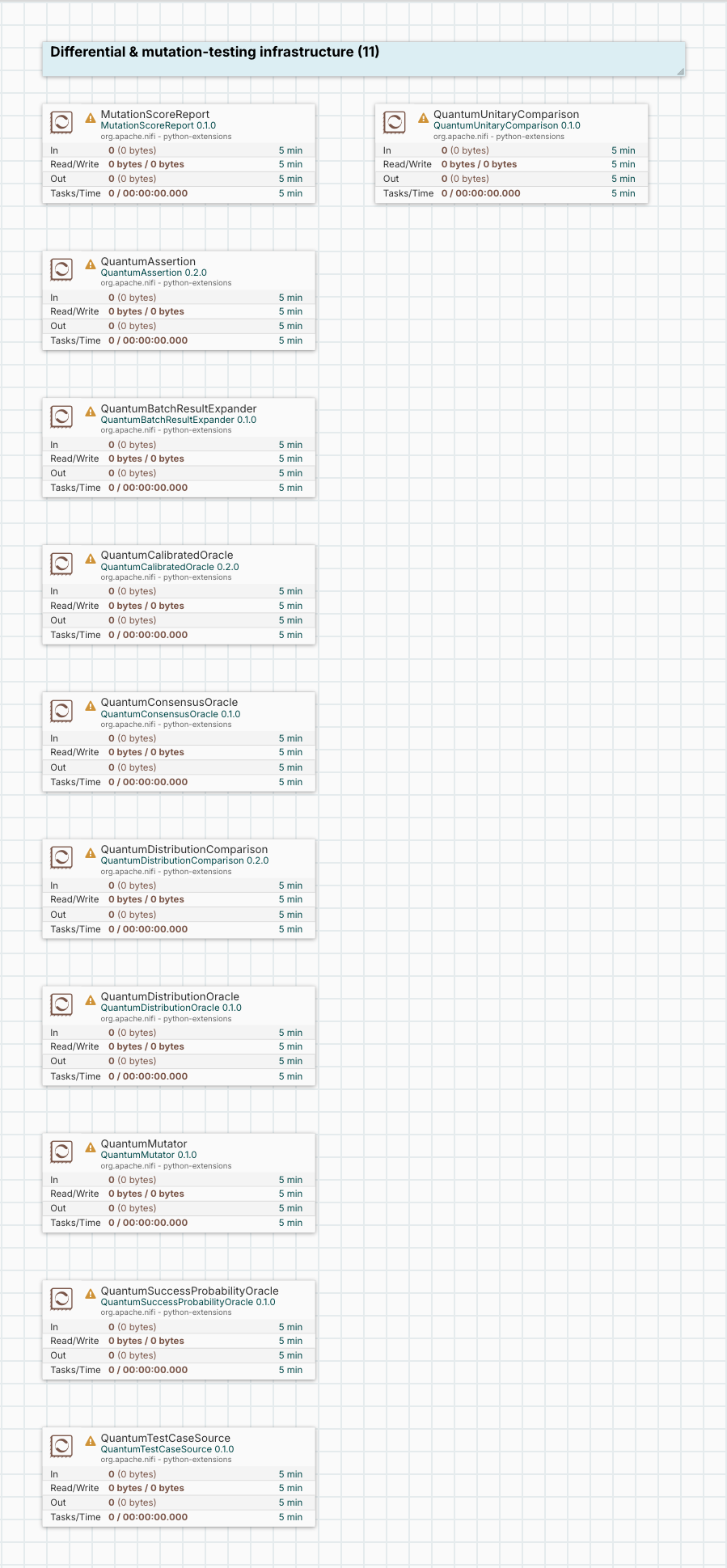
Differential & Mutation Testing
11 testing processors: mutators, assertions, distribution oracles, and consensus verification.
View Full Resolution →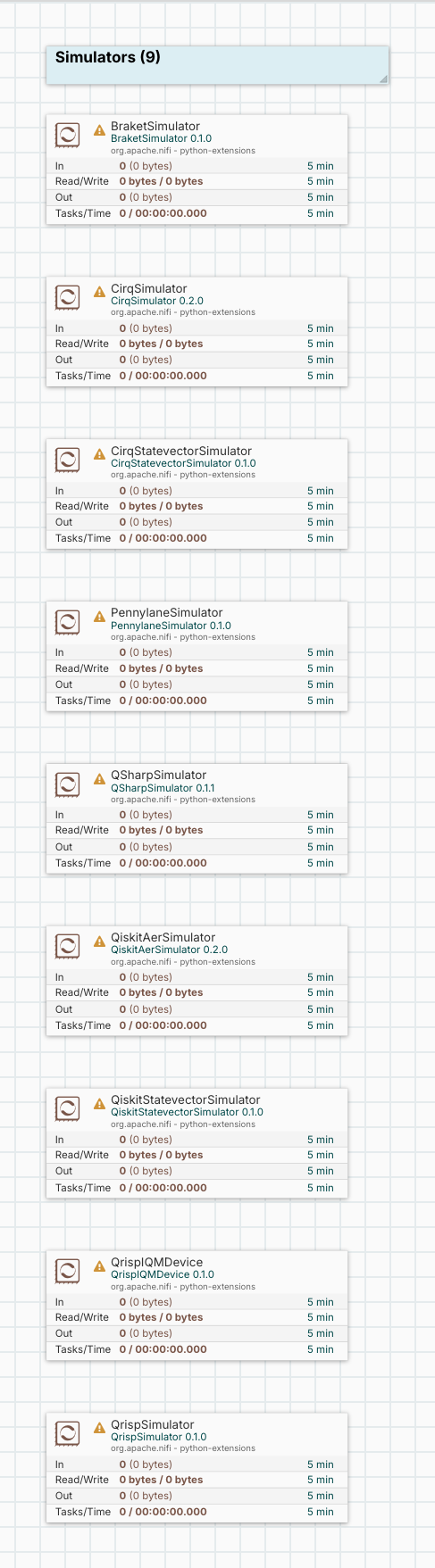
Quantum Simulators
9 simulator backends including Aer, Statevector, Cirq, Qrisp, Braket, and PyQVM.
View Full Resolution →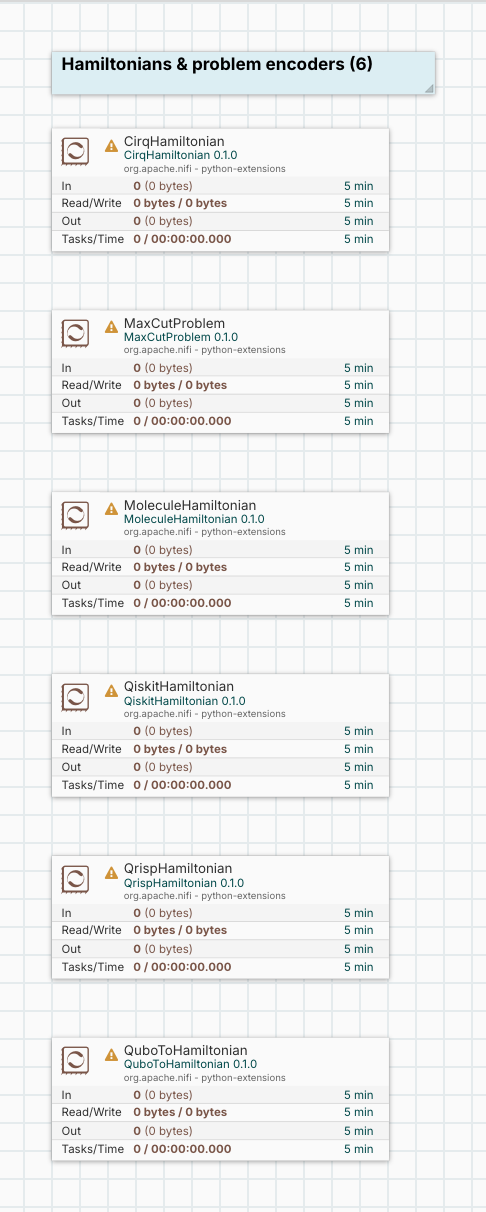
Hamiltonians & Problem Encoders
6 combinatorial optimization encoders: MaxCut, MaxClique, MIS, Portfolio, Molecule.
View Full Resolution →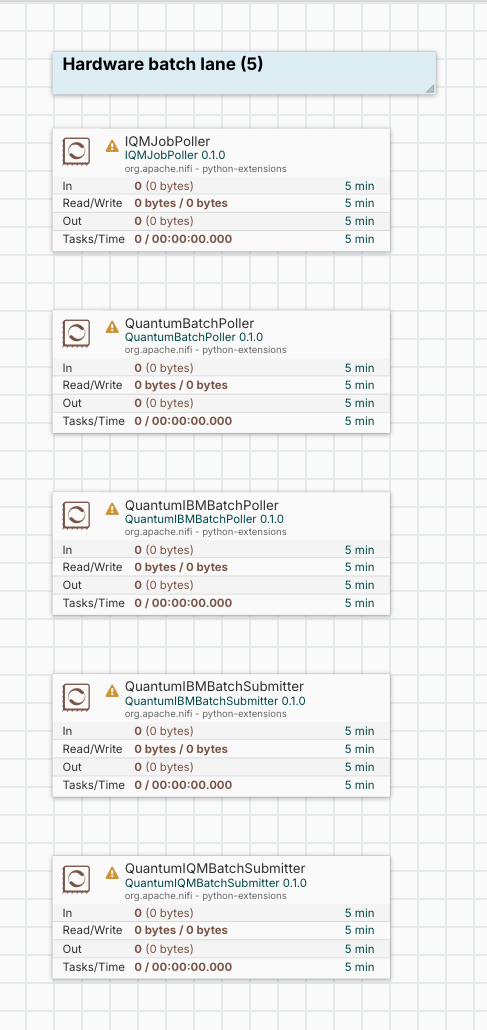
Hardware Batch Lane
5 batch execution poller and submitter processors for remote QPU platforms.
View Full Resolution →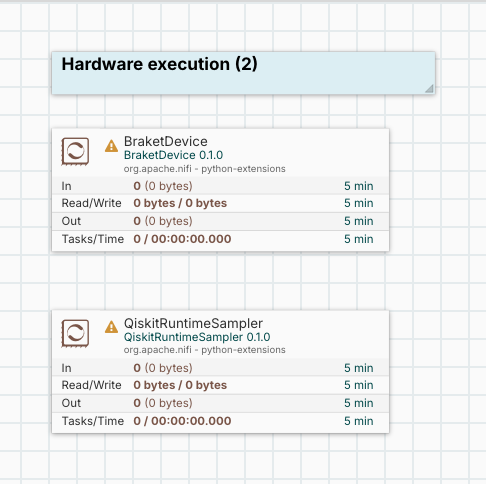
Hardware Direct Execution
2 direct cloud submission processors for IBM Quantum and IQM hardware.
View Full Resolution →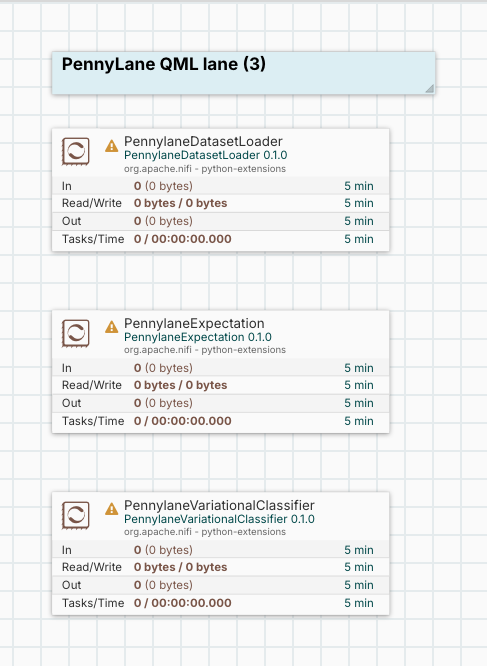
PennyLane QML Lane
3 quantum machine learning components: Feature Embedding, Variational Classifier, Ansatz.
View Full Resolution →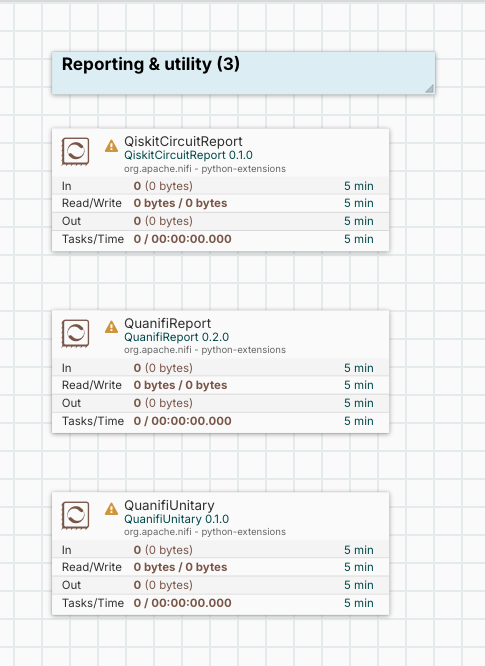
Reporting & Unitary Utilities
3 monitoring and verification utilities for NiFi FlowFiles.
View Full Resolution →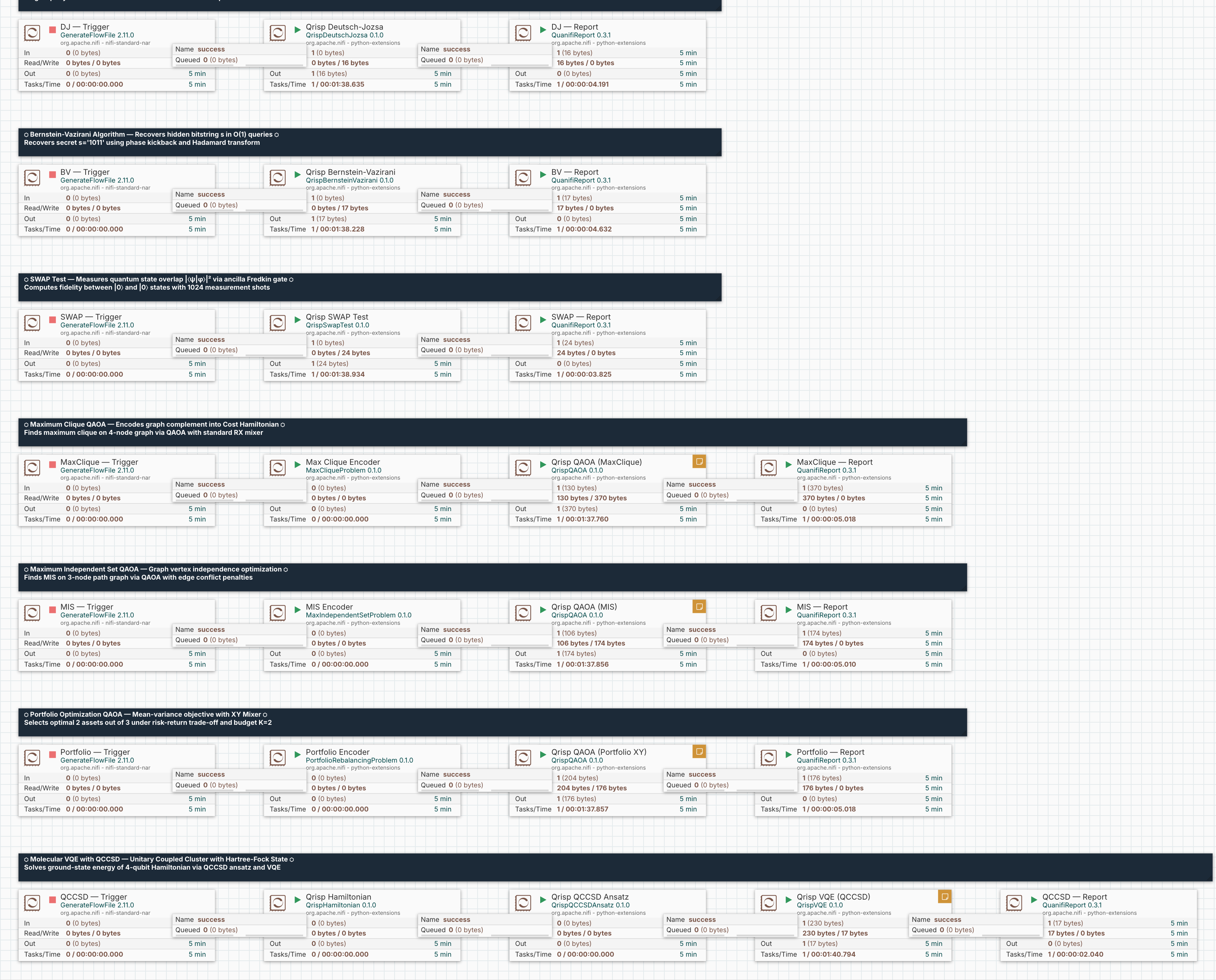
Portfolio QAOA Optimization
Mean-variance portfolio selection flow with XY mixer selecting 2 optimal assets out of 3.
View Full Resolution →
Maximum Clique QAOA
Graph complement encoding into cost Hamiltonian solved via QAOA with standard RX mixer.
View Full Resolution →
Maximum Independent Set QAOA
Graph vertex independence optimization on 3-node path graph via QAOA with penalty terms.
View Full Resolution →
Molecular VQE (UCCSD)
Ground state energy calculation of 4-qubit molecular Hamiltonian using QCCSD ansatz and VQE.
View Full Resolution →
Swap Test State Overlap
Quantum state fidelity verification using Fredkin gate ancilla and 1024 measurement shots.
View Full Resolution →
Deutsch-Jozsa Algorithm Flow
Single-query evaluation of 3-qubit balanced boolean oracle vs constant function.
View Full Resolution →
Bernstein-Vazirani Flow
O(1) recovery of secret bitstring s='1011' using phase kickback and Hadamard transforms.
View Full Resolution →